Live-show conditions
Built for what real shows actually do—including Whatnot scrolling a sale out of view before it's read. Buyer capture still finds it, not just in a clean demo where nothing changes.
Tested liveUreka keeps your Whatnot activity, team board, and OBS output in sync—so you can run the break instead of rebuilding graphics.
Card required · Cancel anytime · Already have an account? Sign in
Click any team directly inside the board. Change layouts without losing the current taken-team state.
Ureka replaces disconnected graphics and manual updates with one clear path through your entire break.
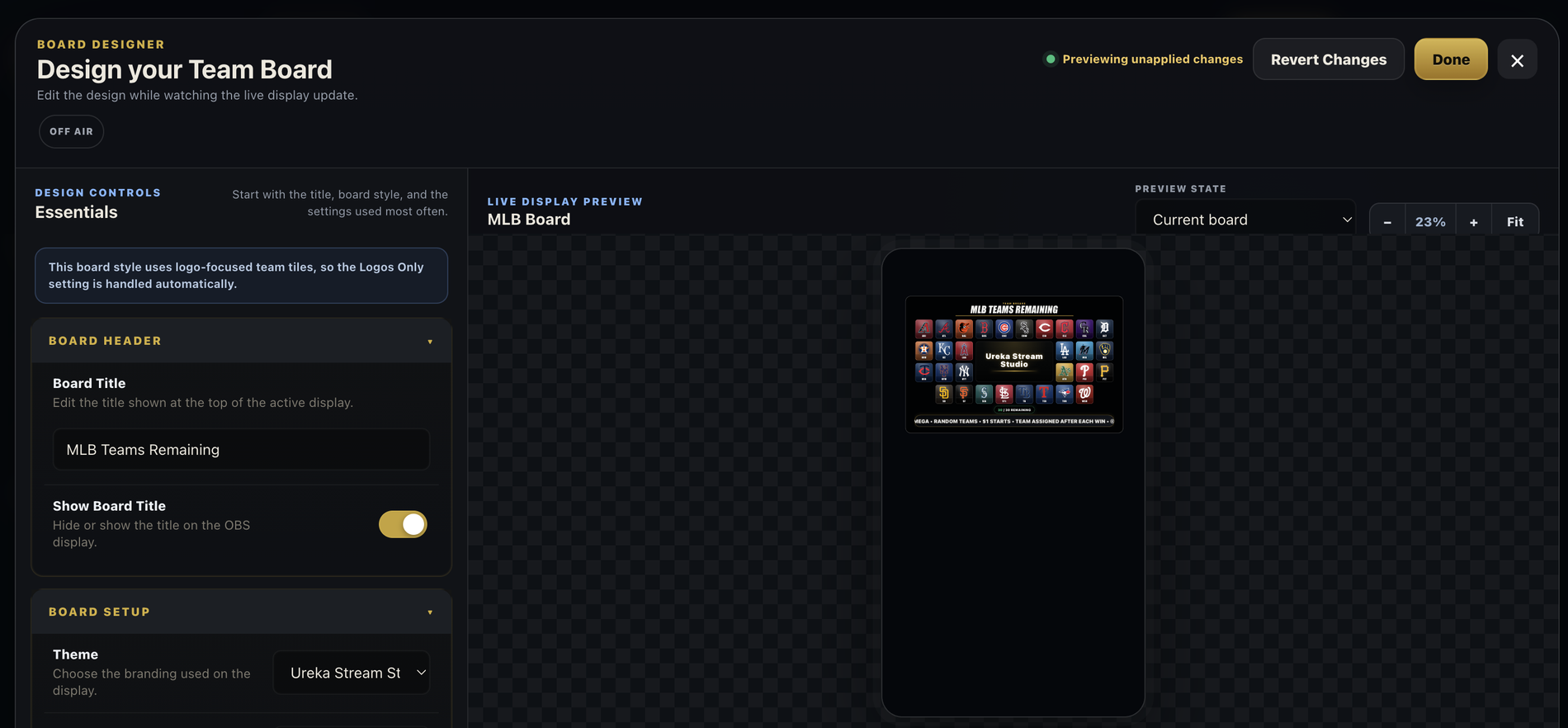
Choose the teams, layout, branding, and on-screen information while seeing the same output your viewers will receive.
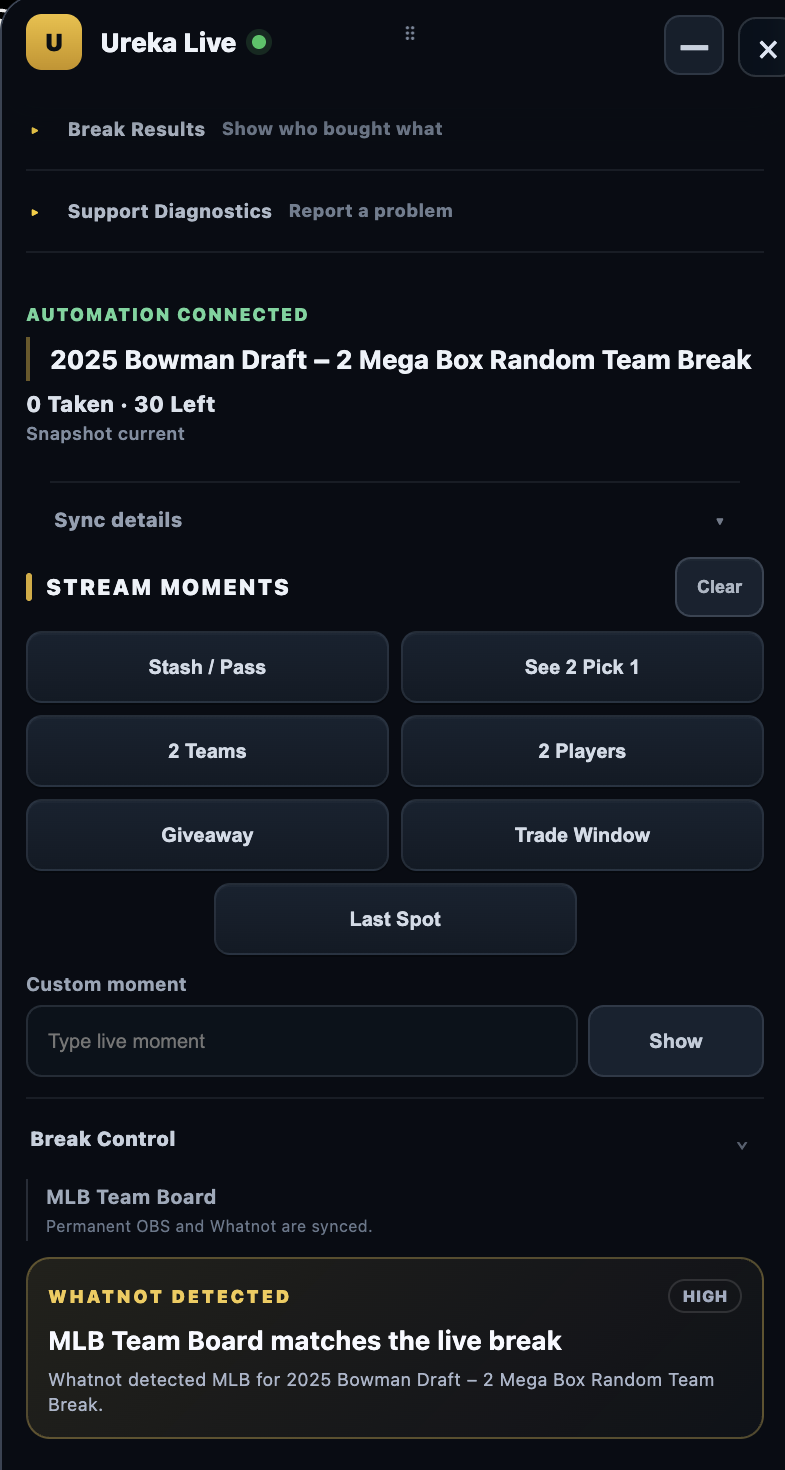
The Stream Controller follows every sale straight from Whatnot—taken teams, buyer usernames, and Break Results update automatically, even after Whatnot’s own list scrolls a sale out of view. Step in only when you need a manual correction.
Paste the Ureka URL into OBS once, position it, and let the platform handle every board update and layout change.
Run Stash or Pass, Trade Windows, and other native moments on the same display your viewers see—not a separate marketing animation.
Choose a moment above to preview it instantly. The board stays live while the overlay changes.
Ureka is tested during real Whatnot shows and refined from breaker feedback—not designed around a perfect demo where nothing changes.
Built for what real shows actually do—including Whatnot scrolling a sale out of view before it's read. Buyer capture still finds it, not just in a clean demo where nothing changes.
Tested liveActive breakers use the platform, report friction, and help shape the controls and workflows that matter most.
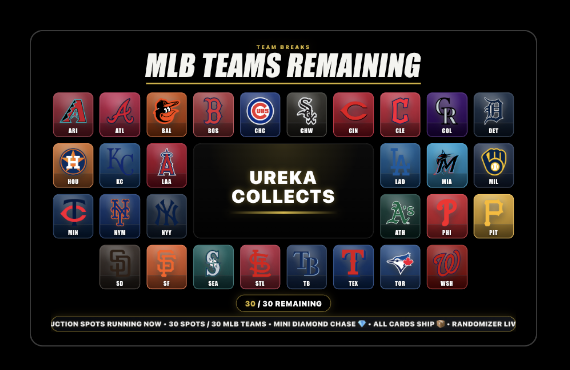
Continuously refinedEvery board on this page—including the interactive demo above—runs the same display system that powers the viewer-facing OBS output, shown here under the "Ureka Collects" example stream name.
Product, not a mockupAutomation follows the show. When something needs a human, the fix is one click away—not a scene rebuild in OBS.
Supports Team Boards, Chase Lists, random-team breaks, and manual control—with MLB, NBA, NFL, and NHL presets, plus editable lists for other formats.
No separate overlay package, controller add-on, or per-board charge. Studio, live control, and broadcast output are included together.
Start with a 14-day free trial. Build your first board before your next show — a card is required, but you will not be charged until the trial ends.
Start 14-day trial →Cancel anytime. Renews automatically unless canceled. Prefer annual? $199/year is also available inside the app.
Create Team Boards and Chase Lists for every show without per-board fees.
Follow purchases, take or release teams, and correct the board during the stream.
Send the live viewer-facing display into OBS through one reusable source.
Switch between available display layouts while preserving the same board state.
Trigger interactive moments, ticker messages, and live show graphics.
Receive newly released improvements, display options, and supported workflows.
Yes. Ureka connects to the Whatnot Seller Dashboard through the Stream Controller Chrome extension.
Yes for the viewer-facing broadcast workflow. Ureka provides the Browser Source URL used by OBS.
No. Position one Ureka Browser Source and replace its URL when starting a new break.
Team Board presets currently include MLB, NBA, NFL, and NHL, with editable lists for other formats.
Your card is charged $19.99/month (or $199/year if you choose annual billing) automatically unless you cancel first.
Yes. A card is required to start the trial, but you will not be charged until the trial ends.
Yes. Cancel anytime from your account settings before the trial ends and you will not be billed.
Three parts: build your board in Studio, add one Ureka Browser Source to OBS (1080 × 1920), and connect the Stream Controller extension to your Whatnot Seller Dashboard. A Ureka account is created as part of signup, and no other software beyond Chrome and OBS is required.
Create your first Ureka board and see how much easier the workflow can be.
Start 14-day trial →Card required · Cancel anytime